FAB Bank Statement Download Online in UAE (Mobile App, PDF & Email Guide)
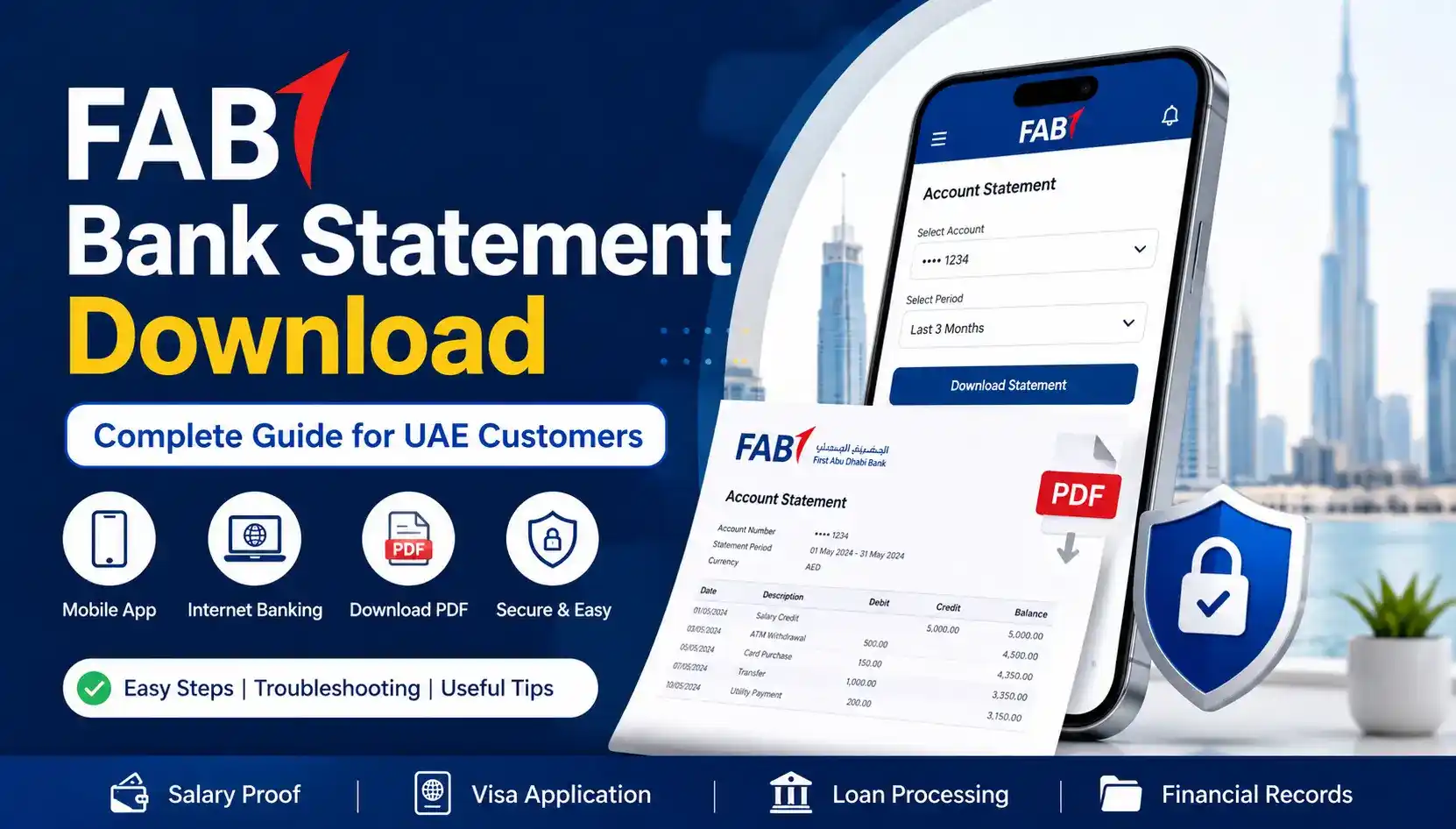
Many FAB customers in the UAE face difficulties completing a FAB bank statement download for salary proof, visa applications, loan approvals, rental agreements, or transaction history. Problems such as OTP verification errors, login failures, locked PDF files, or statements not downloading properly can make the process frustrating, especially when the document is needed urgently.
This complete FAB bank statement download guide explains the easiest ways to download your statement online via the FAB Mobile App, internet banking, email, and ATMs. You will also learn how to fix common statement download issues, open password protected PDF statements, and access old FAB bank statements quickly and securely in the UAE.
What Is a FAB Bank Statement?
A FAB bank statement is an official financial document issued by First Abu Dhabi Bank that shows all account transactions during a selected period. It includes:
- Salary credits
- ATM withdrawals
- Debit card transactions
- Online purchases
- Bank transfers
- Utility payments
- Balance history
- Transaction summaries
FAB statements are commonly used in the UAE for:
- Salary proof
- Visa applications
- Loan applications
- Tax documentation
- Financial planning
- Rental agreements
- Business verification
Customers can access statements in PDF format through FAB online banking and the FAB Mobile App.
FAB Bank Statement Download Using FAB Mobile App
The FAB Mobile App is the easiest and fastest way to download your bank statement in UAE.
Step 1 – Open the FAB Mobile App.
Launch the FAB Mobile Banking application on your Android or iPhone device.
Step 2 – Login Securely.
Enter your:
- Username
- Password
- OTP verification code (if required)
If you are facing login problems, make sure your registered mobile number is active.
Step 3 – Select Your Account.
Choose the FAB account for which you want to download the statement.
This may include:
- Savings account
- Current account
- Salary account
- Ratibi card account
Step 4 – Open the Statements Section.
After selecting your FAB account, navigate to the Account Services or Statements section within the dashboard.
Follow this path:
Account Services → Statements → Download Statement
Step 5 – Select Statement Period.
Choose your preferred duration:
- Last 30 days
- Last 3 months
- Last 6 months
- Custom date range
Step 6 – Download PDF Statement.
Tap the download option to save the FAB statement PDF directly on your device.
You can also email the statement to your registered email address.
How to Get FAB Bank Statement Through Online Banking
FAB Internet Banking allows customers in the UAE to securely download account statements using a desktop or laptop browser. This method is ideal for users who need official PDF statements for salary proof, visa applications, loan processing, financial records, or printed documentation.
Follow These Steps to Download Your FAB Bank Statement Online
Step 1 – Visit the Official FAB Online Banking Portal.
Open the official FAB Internet Banking website using a secure browser on your computer or laptop.
For better security:
- Use a private internet connection
- Avoid public Wi-Fi networks
- Ensure the website URL is correct before logging in
Step 2 – Login to Your FAB Account.
Enter your registered banking credentials, including:
- Username or Customer ID
- Password
- OTP verification code (if required)
If you cannot access your account, verify that your registered mobile number is active to receive OTP codes successfully.
Step 3 – Open Account Services.
After logging in successfully:
- Select the bank account you want to access
- Navigate to the “Account Services” or “Statements” section
- Choose the e-statement or account statement option
FAB may display multiple statement periods depending on your account type.
Step 4 – Select Statement Period.
Choose the required statement duration, such as:
- Last 30 days
- Last 3 months
- Last 6 months
- Custom date range
This feature is useful for customers who need old transaction history, salary records, or financial proof documents.
Step 5 – Download FAB Statement PDF.
Click the “Download” or “Export PDF” option to save the statement on your device.
You can:
- Print the statement directly
- Save it for future reference
- Email the PDF securely if needed
FAB statements downloaded through online banking are commonly used for:
- Loan documentation
- Salary verification
- UAE visa applications
- Rental agreements
- Financial tracking and budgeting
How to Receive FAB Statement by Email
FAB also sends monthly e-statements to registered email addresses.
To Receive Statements by Email:
- Ensure your email is updated with FAB
- Enable e-statements in online banking
- Check your spam or junk folder
- Verify your mailbox storage is not full
Most FAB customers receive monthly statements automatically.
If your statement is not arriving:
- Confirm email accuracy
- Contact FAB customer support
- Re-enable statement subscription
How to Get FAB Mini Statement From ATM
Customers can also print a mini statement using FAB ATMs.
What Is Included in a Mini Statement?
A mini statement usually shows:
- Recent transactions
- Available balance
- Last few withdrawals
- Card transactions
Steps to Print FAB Mini Statement
- Insert your FAB debit card
- Enter ATM PIN
- Select Mini Statement
- Print transaction summary
Mini statements are useful for quick balance verification but do not replace full PDF bank statements.
FAB Bank Statement PDF Password Explained
Many FAB customers cannot open downloaded PDF statements because the file is password protected.
This security feature protects sensitive banking information.
Why Is My FAB Statement Locked?
FAB encrypts statement PDFs to prevent unauthorized access.
The password is usually connected to:
- Emirates ID
- Date of birth
- Registered customer details
Common FAB Statement Password Formats.
The exact password format may vary depending on account type and banking updates.
Usually, it may include combinations of:
- Birth year
- Emirates ID digits
- Registered mobile details
If the PDF does not open:
- Verify correct password format
- Avoid extra spaces
- Try updated PDF software
- Contact FAB support for assistance
Why Is the PDF Not Opening?
Possible reasons include:
- Expired statement link
- Wrong password
- Corrupted file
- Incomplete download
- Unsupported PDF application
FAB Bank Statement Not Downloading? Common Fixes
If your FAB bank statement is not downloading properly, several issues may be responsible.
This is one of the most common banking problems faced by UAE customers.
1. FAB App Not Working.
Sometimes the FAB mobile app may experience:
- Server maintenance
- Temporary outages
- Slow performance
- Login loops
Quick Fixes:
- Restart app
- Update FAB app
- Clear app cache
- Switch internet connection
- Re-login securely
2. OTP Not Received.
Without OTP verification, statement downloads may fail.
Possible reasons include:
- Mobile network delay
- Wrong registered number
- Roaming issues
- SIM problems
If OTP problems continue, contact FAB customer support.
3. Internet Banking Login Problem.
Some users cannot access statements because of login issues.
Common Reason:
- Wrong password.
- Browser cache issues.
- Expired session.
- Device verification problems.
Solutions:
- Reset password.
- Use another browser.
- Clear browser cookies.
- Enable secure internet connection.
4. PDF Statement Corrupted.
Sometimes downloaded files are incomplete.
Fixes
- Re-download statement.
- Use stable internet.
- Open using updated PDF software.
- Try another device.
5. Server Maintenance.
FAB occasionally performs system maintenance.
During this time:
- Statements may not load
- Downloads may fail
- Transactions may update slowly
Waiting a few hours often resolves the issue.
How to Download Old FAB Statements
Many customers need previous statements for:
- Salary history
- Loan processing
- Visa applications
- Tax documentation
- Rental verification
FAB online banking usually allows customers to access old statements for selected periods.
Available Statement Periods
You may be able to download:
- Last 3 months
- Last 6 months
- Last 12 months
- Custom historical periods
If older records are unavailable online, you may need to:
- Pay printed statement fees
- Visit a FAB branch
- Request archived statements
FAB Statement Charges & Fees
Online FAB e-statements are generally free for customers.
However, certain services may involve charges.
Possible Fees Include
- Printed statements from branch
- Stamped statements
- Archived statement retrieval
- Courier delivery requests
Charges may vary depending on:
- Account type
- Request period
- Branch policy
Always confirm the latest fees directly with FAB customer support.
Difference Between Mini Statement and Full Statement
Many UAE banking users confuse mini statements with full account statements.
Here is the difference:
| Feature | Mini Statement | Full Statement |
|---|---|---|
| Transactions | Limited | Complete |
| Format | ATM Print | PDF Document |
| Duration | Recent activity | Full selected period |
| Salary History | No | Yes |
| Official Proof | Limited | Accepted officially |
| Download Online | Usually No | Yes |
Full FAB statements are required for:
- Loan applications
- Visa applications
- Salary proof
- Financial verification
When to Contact FAB Customer Care
You should contact FAB customer support if:
- Statement is missing
- PDF password does not work
- Account is blocked
- Online banking fails repeatedly
- Email statements are not arriving
- Suspicious transactions appear
- Mobile number changed
Prompt support helps prevent delays in salary verification and financial processing.
Conclusion
FAB customers in UAE can easily download bank statements online using the FAB Mobile App, internet banking portal, email statements, or ATM services. Whether you need salary proof, transaction history, visa documentation, or financial records, FAB provides multiple secure ways to access account statements in PDF format.
If you experience statement download issues, OTP problems, login errors, or PDF password difficulties, the troubleshooting solutions in this guide can help resolve most common banking problems quickly.
For unresolved issues, contacting FAB customer support or visiting the nearest branch is recommended.