FAB Transaction Failed But Amount Debited? Reasons, Refund Time & Fixes (UAE Guide)
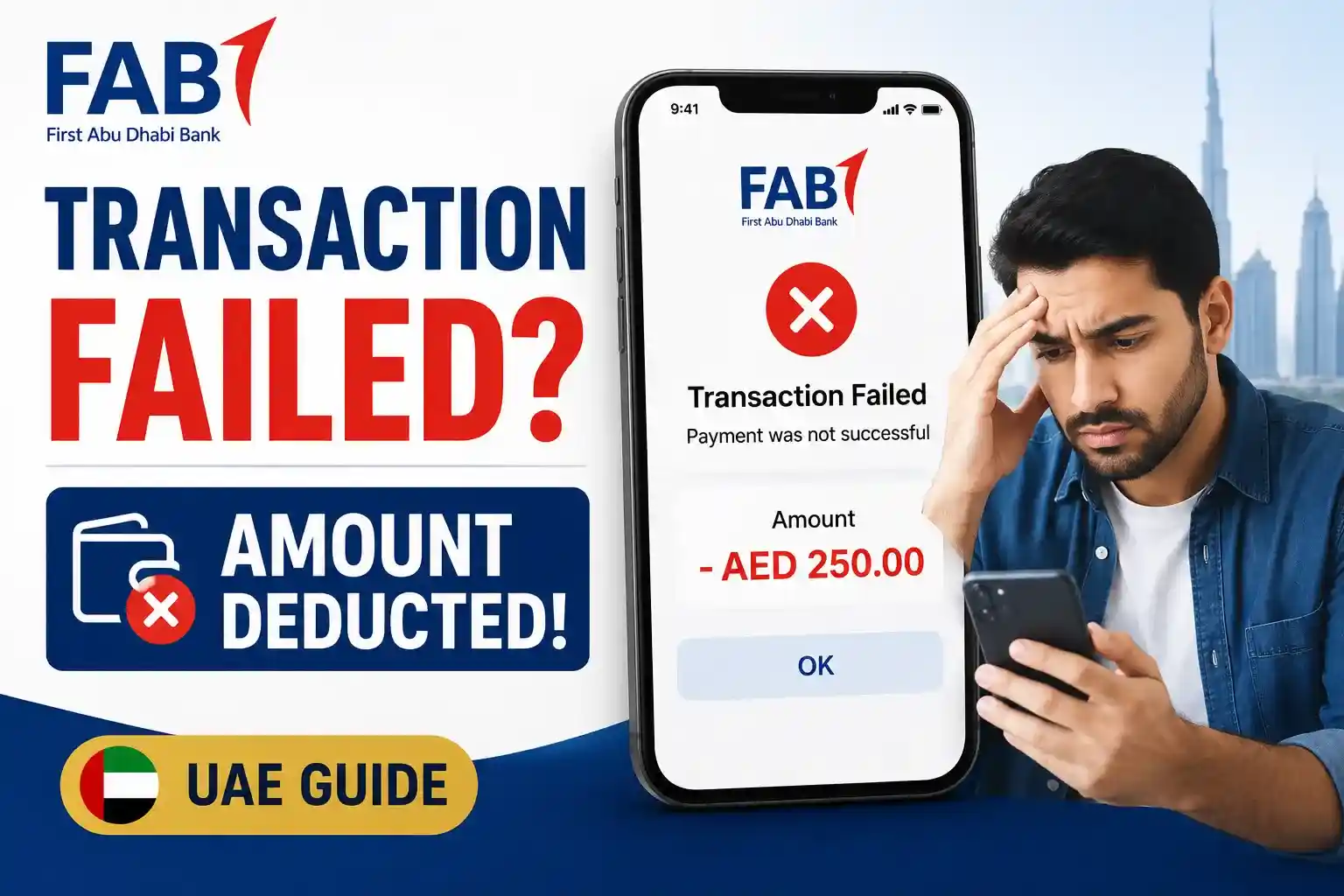
If your FAB transaction failed but the amount was still deducted from your account, you are not alone. Many UAE banking users face this issue during ATM withdrawals, online payments, POS transactions, or debit card purchases. In most cases, the money is not permanently lost. The deducted amount is usually placed under a temporary authorization hold and automatically reversed within a few hours or working days.
This guide explains why FAB deducts money even when a transaction fails, how long reversals usually take in the UAE, what you should do immediately, and when you need to contact FAB customer support.
Why Did FAB Deduct Money Even Though the Transaction Failed?
When you make a payment using your FAB debit card or credit card, the banking system first reserves the amount before the transaction is fully completed. This process is called an authorization hold.
Sometimes the payment fails because of:
- ATM communication problems
- Slow merchant payment processing
- Banking server timeout
- Poor internet connection
- POS machine errors
- FAB mobile banking maintenance
- Visa or Mastercard network delays
- OTP verification interruption
Even though the transaction fails on the merchant side, the bank may temporarily place the amount under an authorization hold until the system confirms whether the payment was completed successfully.
In most situations, FAB automatically reverses the held amount once the transaction is verified as unsuccessful.
How To Check If the Amount Is Actually Deducted?
Before raising a dispute, perform a FAB balance check to see whether the amount was permanently deducted or temporarily placed under an authorization hold.
In many cases, the balance appears reduced even though the transaction is still pending. Follow these quick checks to verify the transaction status.
1. Check the Transaction Status in the FAB App
Open the FAB Mobile Banking App and review the transaction details.
Look for statuses such as:
| Transaction Status | What It Means |
|---|---|
| Pending | The transaction is waiting for final processing. |
| Processing | The payment is being verified by the bank or merchant. |
| Authorized | Funds have been temporarily reserved but not fully charged. |
| Reversed | The amount has been returned to your account. |
| Completed | The transaction was successfully processed and settled. |
Quick Tip
If the transaction shows Pending, Processing, or Authorized, the money may still be under a temporary hold and could be reversed automatically.
2. Check Your Available Balance
A temporary authorization hold can reduce your available balance even when the transaction has not been completed successfully.
This often makes customers believe that the money has been permanently deducted.
If the transaction is later reversed, the held amount will automatically become available again.
3. Review Your Mini Statement or Transaction History
Compare your recent transactions to see whether the payment is:
- Still pending
- Successfully completed
- Already reversed
- Marked as declined
Your mini statement and transaction history often provide the clearest indication of the payment’s current status.
4. Check SMS and Mobile Banking Alerts
Review any SMS notifications or mobile app alerts received at the time of the transaction.
These alerts may indicate whether the payment was:
- Authorized
- Declined
- Reversed
- Successfully completed
Keeping these alerts can also be helpful if you need to contact FAB customer support later.
Important Reminder:
If the transaction remains in Pending or Authorized status, avoid making the same payment again immediately. Multiple payment attempts can create duplicate authorization holds and temporarily reduce your available balance further.
Common Reasons Why FAB Transaction Failed But Amount Deducted?
If your FAB transaction failed but the amount was still deducted, understanding the exact reason can help you avoid panic and take the right action quickly. In most cases, the money is temporarily placed on hold and later reversed automatically.
Below are the most common reasons behind failed FAB transactions in the UAE.
1. Temporary Authorization Hold (Most Common Reason)
This is the most common cause of pending or deducted amounts after a failed transaction.
When you:
- swipe your FAB debit card
- withdraw cash from an ATM
- make an online payment
- use a POS machine
the bank first places a temporary authorization hold on the amount before the merchant fully confirms the payment.
If the transaction fails midway due to a technical issue, the amount may remain temporarily blocked until the banking system automatically releases it.
Important:
A deducted amount does not always mean the money has permanently left your account.
Common Signs of Authorization Hold
- Balance reduced temporarily
- Transaction marked as pending
- Merchant did not receive payment
- Amount automatically reversed later
2. Poor Internet or POS Machine Connection
Many FAB payment failures happen because the merchant’s POS machine loses internet connection during processing.
This issue is especially common in:
- restaurants
- petrol stations
- supermarkets
- busy shopping malls
- small retail stores
In these situations:
- The banking network starts processing the payment
- The POS machine disconnects before completion
- The transaction fails on the merchant side
- FAB temporarily holds the amount
As a result, users often see:
- “Transaction Failed”
- but the amount is still deducted temporarily.
3. ATM Communication Failure
ATM withdrawal failures are very common in UAE banking systems.
Sometimes the ATM may:
- freeze during withdrawal
- run out of cash
- lose network connection
- restart unexpectedly
- fail to dispense money
- experience switch communication errors
Even if cash is not dispensed, the ATM may still send a partial transaction request to the banking network. This can temporarily reduce your available balance until the ATM settlement process is completed.
Important:
Most ATM-related deductions are automatically reversed within:
- 24 hours to 7 working days
especially if the ATM confirms that cash was not dispensed.
4. Merchant Settlement Delay
Some merchants do not immediately finalize card payments after authorization.
Instead, the transaction remains in a:
- pending
- processing
- settlement waiting
status until the merchant sends confirmation to the bank.
During this delay, it may appear that:
- money was deducted incorrectly
- the payment disappeared
- your account balance decreased without a successful purchase
This situation is common with:
- hotel bookings
- fuel stations
- online shopping websites
- food delivery apps
- international merchants
In most cases, pending merchant transactions are corrected automatically during the settlement cycle.
5. FAB Banking System Maintenance or Technical Issues
At times, the issue may occur because of temporary FAB banking system maintenance or server problems.
During maintenance periods, users may experience:
- delayed balance updates
- duplicate transaction notifications
- failed transfers
- pending card payments
- mobile banking synchronization issues
- temporary login problems
These technical issues are usually temporary and resolved automatically once the banking systems stabilize.
Tip:
If many users are facing the same issue simultaneously, the problem is likely related to:
- banking servers
- payment gateways
- system maintenance
- card network processing
6. Visa or Mastercard Processing Delays
FAB transactions depend heavily on payment networks such as:
- Visa
- Mastercard
If these networks experience:
- processing delays
- timeout issues
- fraud verification checks
- settlement interruptions
your transaction may fail while the amount remains temporarily blocked.
7-International Transactions Are More Sensitive.
International transactions are especially more sensitive to processing delays and additional security verification checks.:
- currency conversion delays
- fraud detection checks
- overseas merchant verification
- cross-border banking processing
- international settlement timing
Because of this, international transaction reversals may sometimes take:
- 7–14 working days
before the amount is fully released back to your account.
What To Do Immediately After a Failed FAB Transaction
If your FAB transaction failed but money was deducted, avoid panicking or repeating the transaction multiple times.
Follow these steps carefully.
Step 1 – Do Not Repeat the Payment Immediately.
Many users make the mistake of retrying the payment instantly.
This can result in:
- duplicate deductions
- multiple authorization holds
- additional pending transactions
Wait at least 15–30 minutes before attempting the transaction again.
Step 2 – Check Your FAB Mobile App.
Open the FAB mobile banking app and review:
- recent transaction history
- pending transactions
- available balance
- hold amounts
- transaction status
Sometimes the payment is marked as:
- pending
- processing
- reversed
- declined
The transaction details usually provide clues about what happened.
Step 3 – Wait for Automatic Reversal.
Many failed transactions are reversed automatically within a few hours.
FAB systems regularly process reversals for:
- failed ATM withdrawals
- canceled POS transactions
- unsuccessful online payments
- payment gateway interruptions
Patience is important because raising a dispute too early may not speed up the process.
Step 4 – Take Screenshot of the Failed Transaction.
Always save:
- SMS alerts
- ATM receipts
- transaction reference numbers
- payment failure messages
- merchant receipts
These details become important if you need to contact FAB customer care later.
Step 5 – Contact the Merchant First.
If the issue happened during an online or retail payment, contact the merchant before filing a dispute.
Sometimes the merchant can confirm:
- whether the payment was received
- whether the order was canceled
- whether a refund was already initiated
This saves time and avoids unnecessary banking complaints.
Step 6 – Contact FAB Support If the Amount Is Not Reversed.
If the transaction still appears unresolved after the expected waiting period, contact FAB support with:
- transaction ID
- deducted amount
- date and time
- ATM or merchant name
- screenshots or receipts
The bank may initiate:
- payment reversal request
- transaction tracing
- ATM dispute process
- merchant charge investigation
FAB ATM Withdrawal Failed But Amount Deducted
One of the most frustrating situations for UAE banking users is when an ATM fails to dispense cash, but the amount is still deducted from the account.
This issue can happen due to:
- ATM network timeout
- cash dispenser malfunction
- switch communication failure
- temporary banking network interruption
- overloaded ATM processing system
In most cases, the ATM automatically reports the failed withdrawal to the banking system during reconciliation.
After verification, the deducted amount is usually reversed automatically.
What To Do If ATM Did Not Dispense Cash
If cash was not received from the ATM, follow these steps:
- Do not leave the ATM immediately
- Check whether the machine dispenses cash after a delay
- Save the ATM receipt if available
- Note the ATM location and transaction time
- Check your FAB Mobile Banking App transaction history
- Contact FAB Customer Support if the amount is not automatically reversed
Important: Avoid attempting multiple withdrawals immediately, as this may create additional pending transactions or duplicate deductions.
FAB Online Payment Failed But Money Deducted
Online payment failures are increasingly common because of:
- Payment gateway timeout
- Weak internet connection
- OTP verification interruption
- Browser session expiration
- Merchant server overload
- Fraud prevention systems
Sometimes users receive messages such as:
- Payment unsuccessful
- Transaction canceled
- Order failed
- Payment pending
However, the account balance may still decrease.
This usually happens because the payment authorization request has already reached the banking network before the transaction fails.
Common Reasons Online Transactions Fail
1. OTP Expired Before Payment Confirmation
One of the most common reasons for a failed FAB online transaction is an expired One-Time Password (OTP).
➜ What Happens?
When you initiate an online payment, FAB sends an OTP to verify the transaction. If the code is not entered within the allowed time, the payment session expires automatically and the transaction may fail.
➜ Why Was Money Deducted?
Before OTP verification is completed, the bank may place a temporary authorization hold on the amount. As a result, the payment fails, but the amount may still appear deducted from your available balance.
➜ What Should You Do?
✅ Check the transaction status in the FAB Mobile App
✅ Wait a few hours for the authorization hold to be released
✅ Avoid retrying the same payment multiple times
✅ Contact the merchant if the order status remains unclear
2. Merchant Website or Payment Gateway Timeout
Sometimes the issue is not with FAB but with the merchant’s website or payment gateway.
➜ What Happens?
The payment request successfully reaches the banking network, but the merchant’s website crashes, freezes, or loses connection before the order is completed.
➜ Common Causes
- Heavy website traffic
- Slow internet connection
- Payment gateway downtime
- Server overload
- Browser session expiration
➜ Why Was Money Deducted?
Since the payment authorization was already initiated, the amount may be temporarily reserved even though the purchase was never completed successfully.
➜ What Should You Do?
✅ Check whether you received an order confirmation email
✅ Perform a FAB balance check and review the transaction status
✅ Contact the merchant before raising a dispute
✅ Wait for the standard reversal period
3. Multiple Payment Attempts
Repeatedly clicking the payment button can accidentally create multiple authorization requests.
➜ What Happens?
The merchant receives more than one payment request for the same transaction.
➜ Possible Results
- Duplicate pending transactions
- Temporary balance reduction
- Multiple authorization holds
- Delayed payment reversals
➜ What Should You Do?
✅ Do not click the payment button repeatedly
✅ Wait for the payment status to update
✅ Check your transaction history before retrying
✅ Monitor your account for duplicate deductions
➜ Expert Tip
If multiple transactions appear as Pending or Authorized, avoid making another payment until the earlier transactions are completed or reversed.
4. International Security and Fraud Checks
International transactions often go through additional security verification procedures to protect customers from fraud.
➜ What Happens?
When you make a payment to an overseas merchant, the transaction may be temporarily paused while security systems verify its legitimacy.
➜ Additional Security Checks May Include
- Merchant verification
- Fraud risk assessment
- Visa review
- Mastercard verification
- Cross-border payment validation
➜ Why Is the Transaction Pending?
The transaction may remain pending until:
- The merchant confirms the payment
- Visa or Mastercard completes verification
- Fraud monitoring systems approve the transaction
➜ What Should You Do?
- Allow extra processing time for international transactions
- Verify that international payments are enabled on your card
- Monitor your FAB account regularly
- Contact FAB support if the transaction remains pending beyond the normal processing period
How To File a FAB Transaction Dispute
If your FAB transaction is still showing as pending or the deducted amount has not been reversed within the expected timeframe, you may need to submit a transaction dispute.
A dispute allows FAB to investigate the issue and verify what happened during the transaction process.
When Should You Raise a Dispute?
Consider filing a dispute if you experience any of the following issues:
✅ ATM cash withdrawal failed but money was deducted
✅ Duplicate card charges for the same transaction
✅ Unauthorized transactions or suspicious activity
✅ Pending transactions that are not reversed
✅ Merchant payment issues or settlement errors
✅ Online payment failed but amount was deducted
✅ Refund not received within the expected timeframe
Information You Should Prepare Before Contacting FAB
Having the correct information ready can significantly speed up the investigation process.
Keep the following details available:
- Transaction amount
- Transaction date and time
- ATM location or merchant name
- Transaction reference number
- ATM receipt or payment receipt
- Screenshot of the failed transaction
- Last four digits of your card
Pro Tip
The more accurate information you provide, the faster FAB can trace, verify, and investigate the transaction.
Option 1: Submit a Dispute Through the FAB Mobile App
The FAB Mobile Banking App is usually the fastest way to report transaction-related issues.
Using the app, you can:
- Review pending transactions
- Check transaction history
- Contact customer support
- Submit transaction complaints
- Track dispute status
This option is ideal for basic payment and transaction issues.
Option 2: Contact FAB Customer Support
If the issue requires further investigation, contact FAB Customer Support directly.
You can reach FAB through:
- Phone banking
- Online banking support
- Secure banking messages
- Branch visits
When speaking with a representative, clearly explain:
- What happened
- When the transaction occurred
- How much money was deducted
- Whether the merchant received payment
- Any error messages you received
What Happens After You Submit a Dispute?
Once your dispute is submitted, FAB may:
- Open a dispute case
- Trace the transaction
- Verify merchant settlement records
- Review ATM transaction logs
- Contact the merchant or payment network
- Escalate the case for further investigation
Depending on the transaction type, the review process may take several business days to complete.
Important Reminder
Keep all receipts, screenshots, SMS alerts, and transaction reference numbers until the dispute is fully resolved. These records can help support your claim if additional verification is required.
Conclusion
Facing a FAB transaction failed but amount debited issue can be stressful, especially during ATM withdrawals or urgent online payments. Fortunately, most failed transactions in the UAE banking system are temporary and automatically corrected after the settlement process is completed.
The most important thing is to stay calm, avoid repeating the transaction multiple times, monitor your FAB account carefully, and keep all transaction records until the issue is resolved.
If the reversal takes longer than expected, contact FAB support immediately and provide complete transaction details for faster investigation.
Understanding how authorization holds, payment processing, and banking settlement systems work can help you handle these situations confidently and avoid unnecessary panic in the future.